From invoices and business documents to structured data
Invoices, bills of lading and similar business documents - Plustek AI extracts the header, the line items and the references, reconciles the totals, and prepares the data for your systems.
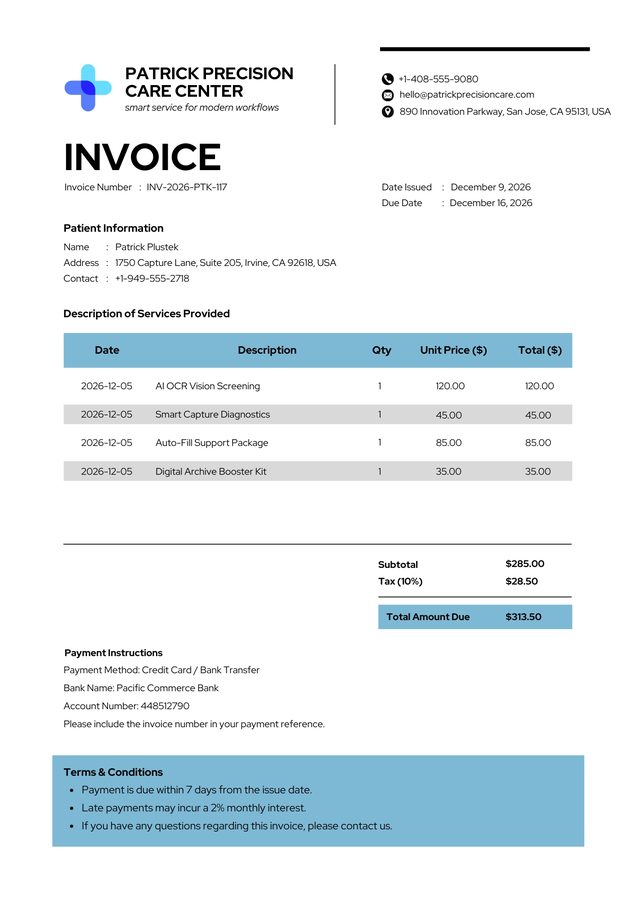
Most OCR reads the header. We read the whole invoice.
Traditional OCR returns header text and leaves the line items - and your team - to do the rest. Plustek AI captures the full document and delivers it where it needs to go.
Everything on the invoice, as structured data
Extract invoice headers, line items, totals, tax and references - then validate and prepare the data for your workflow.
Line items, not just headers
Reads the full item table - description, quantity and amount - not only the header fields.
Any layout, no template
Works across every vendor’s invoice format without setting up a template for each one.
Totals cross-checked
Subtotal, tax and total are validated against the extracted line items.
Print + handwriting
Typed invoices and handwritten amounts, notes or stamps, read alike.
Currency & tax fields
Currency, tax rate and reference numbers captured as structured data.
Into your ERP
Delivered into accounting / ERP such as SAP or 鼎新 (Digiwin) via RPA - no API project.
The payoff on real invoice workloads
Figures from Plustek document-automation deployments; actual results vary by document type, volume and process.
See the manufacturing case studyWhose invoices does it handle? Anyone's.
From the desk drowning in supplier invoices to the team that keys freight paperwork all day.

Capture from anywhere
PDF Invoice
Drag & drop or upload
Scanned Document
From scanner or MFP
Photo Capture
From mobile or device
Email Attachment
Forward or connect inbox
Serves every team
Accounts Payable
Capture. Approve. Pay.
Procurement
PO match. Confirm. Control.
Logistics & Freight
Verify. Track. Settle.
Finance & Accounting
Reconcile. Report. Close.
Delivered to every destination
ERP
Accounting
DMS
RPA
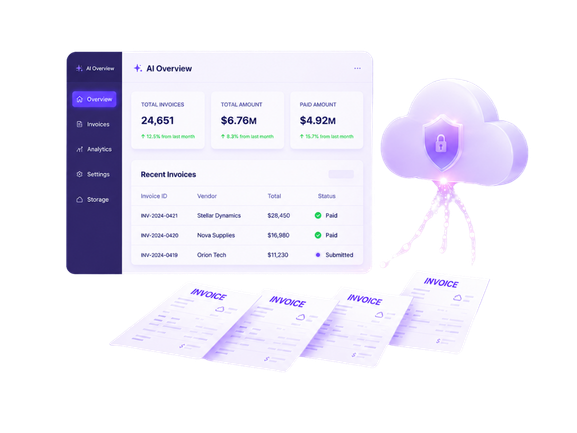
Keep sensitive invoice data where you want it
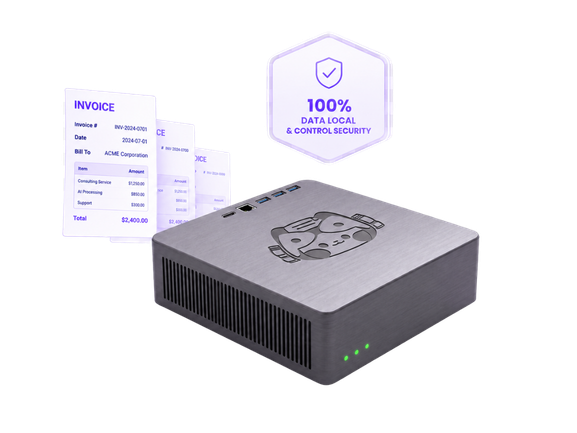
Run it where it suits you - an enterprise-grade server that scales with your invoice volume, or an on-premise AI Box that keeps every invoice and its extracted data inside your own network.


Invoice processing, answered
No. It’s template-free - it reads invoices from any vendor layout without configuring a template for each one.
Plustek AI can extract key invoice information such as supplier name, invoice number, invoice date, PO number, tax amount, total amount, payment terms, and other required fields. It can also support line-item extraction depending on the document structure and project requirements.
Yes. Plustek AI is designed to handle invoices and business documents with different layouts, formats, and field positions. Instead of relying only on fixed templates, it helps identify and extract relevant information from varied document types, making it suitable for companies that receive documents from multiple suppliers or sources.
Yes. Users can review extracted data before it is sent to the next system. This helps teams verify important fields, correct exceptions, and maintain better data quality before exporting information to ERP, DMS, SharePoint, accounting platforms, or other business applications.
Plustek AI helps capture and structure information from invoices and documents automatically, reducing the need to manually type data into spreadsheets or business systems. By extracting key fields and preparing data for the next step, teams can spend less time on repetitive entry work and more time on review, approval, and decision-making.
Yes. Plustek AI can support documents captured from different input sources, such as scanned paper invoices, PDF files, email attachments, shared folders, and other document collection points. This helps businesses bring paper and digital documents into a more consistent processing workflow.
Yes. Related documents such as invoices, purchase orders, delivery notes, receipts, and supporting files can be organized together through file naming, classification, metadata, or workflow rules. This helps users keep document sets easier to search, review, and archive.
Yes. Extracted data can be prepared for export to ERP, DMS, SharePoint, accounting systems, or other business platforms based on the required workflow. Plustek AI helps turn document information into structured data that can be used for downstream processing, indexing, approval, archiving, or automation.
Test it on your invoices & documents
Send us a document and the Plustek team will run it through - you’ll see exactly what comes out.